
A homepage score gives you one view of website performance. It does not show whether the contact form works, whether another page is slow or how every visitor experiences the site. Use the score to investigate, then check the journey that matters.
Keep lab and field evidence separate
A lab test runs under controlled conditions. Field data describes real user experiences when sufficient data is available. Google identifies LCP, INP and CLS as Core Web Vitals. Its guidance evaluates the 75th percentile, with good thresholds of LCP at or below 2.5 seconds, INP at or below 200 milliseconds and CLS at or below 0.1.
A missing field report is not a passing field report. Record the absence and use a lab measurement for diagnosis. Do not turn a single Performance score into a claim that every visitor receives the same speed.

Measure three meaningful pages consistently
Pick a landing page, an important service page and the conversion page. Include a heavier article or product page when it represents regular traffic. Run comparable tests with the same URLs and device mode. Keep dates and conditions; performance can change after content, scripts or hosting change.
| Record | Why it matters |
|---|---|
| URL and timestamp | Identifies the page and version measured |
| Mobile or desktop | Prevents unlike comparisons |
| Lab score and key metrics | Shows diagnostic evidence |
| Field data scope | Distinguishes URL data, origin data or unavailable data |
| Change applied | Connects the result to an intervention |
| Form, menu and image check | Catches broken customer functions |
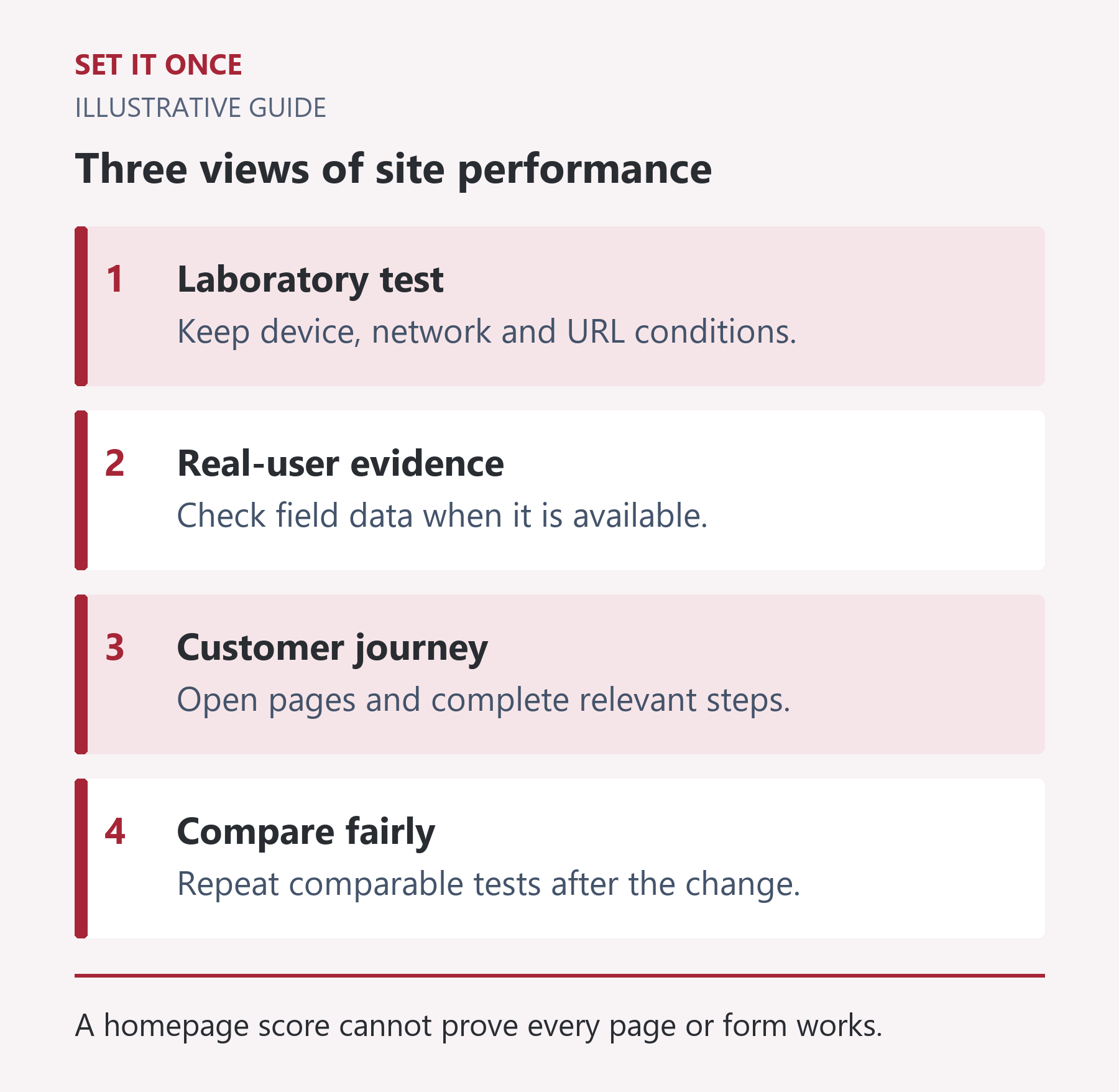
Original illustrative guide: Set It Once. A homepage score cannot prove every page or form works.
Read the text version
- Laboratory test. Keep device, network and URL conditions.
- Real-user evidence. Check field data when it is available.
- Customer journey. Open pages and complete relevant steps.
- Compare fairly. Repeat comparable tests after the change.
Check that speed work preserved the customer journey
At mobile width, open the menu, follow the CTA, read the conditions and use a permitted synthetic form test. Confirm that images load and text remains readable. Script deferral or asset removal can improve a lab result while breaking an interaction.
For an enquiry form, verify receipt in the authoritative system. A thank-you message alone proves only that the interface reached that state. Avoid sending real customer data merely to test performance.
Read a case study within its measurement limits
Our separately published Set It Once speed case records a mobile homepage lab result of 99 on 10 October 2026. It concerns our own site and the recorded test conditions. It is not a client testimonial, a site-wide field-data result or a permanent guarantee.
Use that case to inspect the evidence and method, then define your own target pages. Recheck after substantial changes and compare equivalent measurements. Better usability and a working enquiry path are part of the result.
Read the documented Set It Once speed case.
Diagnose the symptom before choosing an optimisation
If the main content appears late, inspect what the page is waiting for: the initial response, a large image, a font or a resource discovered late. If buttons feel slow after the page appears, inspect interaction work and scripts. If content jumps while loading, look for elements without reserved space and late insertions. These are different investigations; converting every image to a new format will not fix every symptom.
For a hypothetical service page with a large hero photograph, compare the file actually requested with its display size. Check whether the important image is available promptly, then change one relevant factor. Keep a before-and-after record. Avoid removing assets in bulk merely because a tool lists them; a script may be responsible for the menu, consent interface or form.
Use a repeatable comparison instead of the best screenshot
Record the same page, device mode, testing tool and relevant conditions. Run several comparable lab tests and retain the spread, not only the highest score. An illustrative set of 68, 73 and 70 before a change should not be compared with one unusually favourable 91 afterwards. Repeated measurements help distinguish a plausible improvement from ordinary variation, though they still do not describe every real visitor.
Keep field data separately labelled with its scope and reporting period. Origin-level data covers a broader site population than a single URL. A newly fixed page may not immediately dominate an aggregated field window. When data is unavailable, report that gap instead of substituting the lab score as equivalent evidence.
Make the final check a complete mobile enquiry journey
Open the landing page anonymously, use the mobile menu, follow the service link and reach the contact form. Check readable labels, focus, image loading and the result of an authorised synthetic submission. Confirm receipt in the intended system. Also inspect a different page template, because optimisation rules can affect it differently.
If the score improves but the form stops accepting input, the change is not ready. Restore or adjust the affected optimisation and repeat the broken path. Choose the next improvement by the largest remaining visitor problem, not by the easiest opportunity to make a numerical score greener.
Take one practical next step
If this is a problem in your team, explore WordPress speed optimisation. Describe one task, the software you use and the result you need. Scope and terms are agreed before work begins.
Sources and further reading
Quick answers
Frequently asked questions
Does 100 in PageSpeed guarantee good Core Web Vitals?
No. A lab score and field measurements describe different evidence. Inspect the relevant field data where available.
Why is there no field data for my page?
The report may lack sufficient eligible real-user data. Treat it as unavailable rather than assuming success or failure.
Should I test only the homepage?
Test representative pages and the conversion journey. A fast homepage does not establish the performance of another template.

About the author
Martin Iliev
Martin builds Set It Once to help people spend less time on repeated work. His guides explain what you can try, how to check the result and where the limits are.
More about Martin