
A workflow can finish without errors and still put a task in the wrong project. Acceptance starts with the result your team needs. Test ordinary work, failure and recovery before removing the manual fallback.
Turn the promise into something observable
Replace “sync enquiries automatically” with “each valid enquiry creates one task in project A, assigned to the duty owner, with the original enquiry ID and an agreed response deadline.” Define what happens to invalid input. This describes success without tying it to a particular automation product.
Choose a small pilot dataset with synthetic details. Write the expected outcome before running a test; otherwise it is easy to accept whatever the software happens to produce.

Use seven cases, including an uncertain result
| Case | Evidence to collect |
|---|---|
| Normal input | Correct destination, fields and owner |
| Missing required field | Visible review item; no invented value |
| Repeated source event | One destination record |
| Changed source record | Agreed update or review behaviour |
| Destination unavailable | Retained source and visible failure |
| Permission denied | Clear denial; no expanded access |
| Write succeeded but confirmation lost | Destination checked before retry |
The last case catches a common design weakness: “no response” can mean an unknown outcome, not a failed write. In a controlled environment, test how the team finds the destination record and chooses whether to retry. Never provoke this condition on a customer’s live transaction.
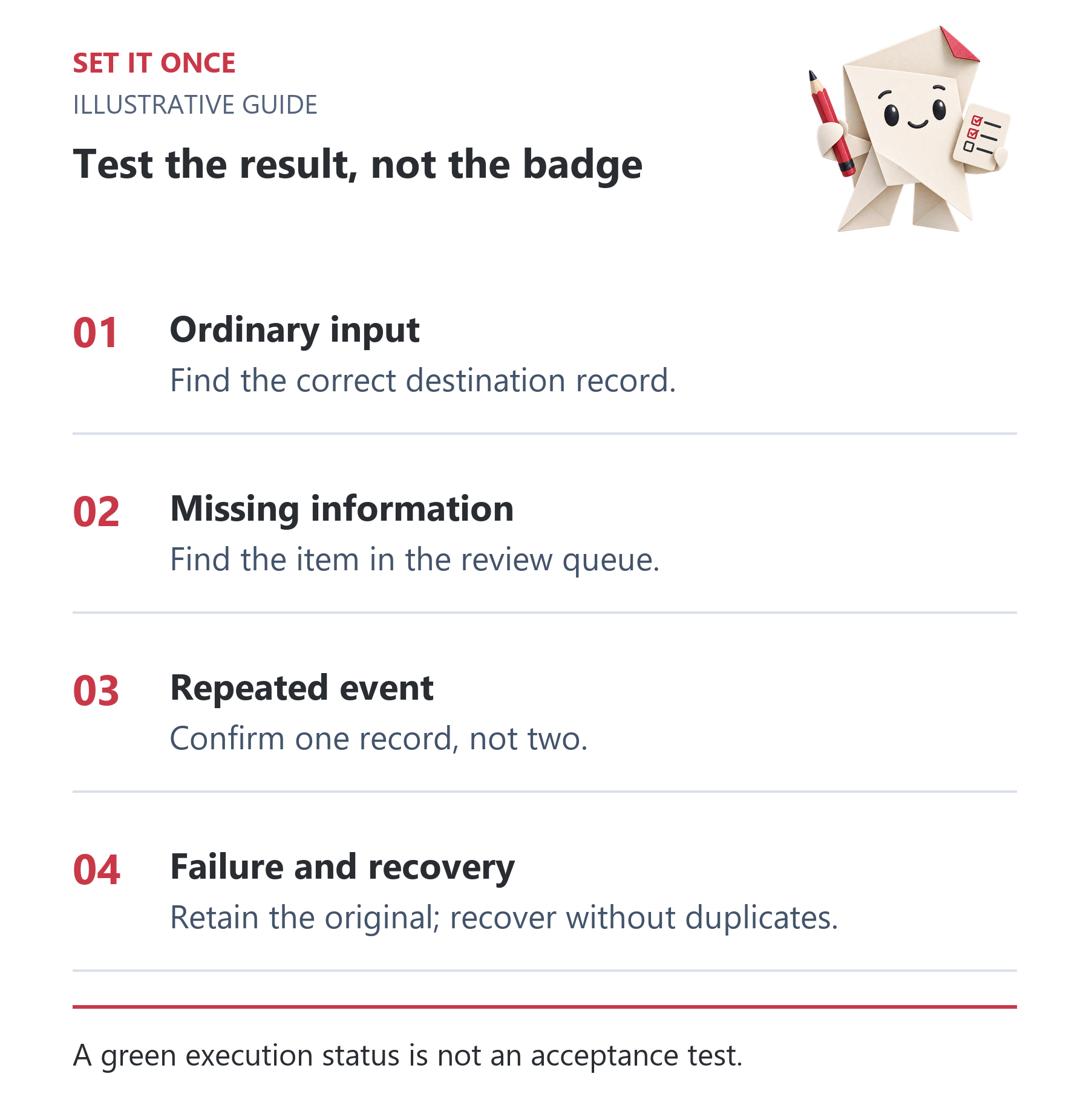
Original illustrative guide: Set It Once. A green execution status is not an acceptance test.
Read the text version
- Ordinary input. Find the correct destination record.
- Missing information. Find the item in the review queue.
- Repeated event. Confirm one record, not two.
- Failure and recovery. Retain the original; recover without duplicates.
Keep evidence that supports the decision
Case ID: __. Source ID: __. Expected result: __. Actual destination ID: __. Owner and fields checked: __. Recovery performed: __. Pass or issue: __.
Inspect the actual task or customer page, not just execution logs. For website work, open the visitor-facing page and use the form through an approved synthetic test. For internal tasks, confirm that the assignee can see and use the result.
n8n’s error-handling documentation explains execution inspection and error workflows. Use those to diagnose failures, then verify the business outcome independently. A notification that an error handler ran does not establish successful recovery.
Agree a small release decision
Before launch, name the owner, stopping method and manual fallback. Decide which failures require a pause. A sensible pilot might keep all customer messages for approval until the handoff is proven.
After release, reconcile source and destination counts over an agreed period. Test again when fields, permissions or destination rules change. Keep the acceptance log short enough that someone will actually maintain it.
Write one complete acceptance case before building more tests
For a hypothetical enquiry-to-task workflow, define case AT-01: a valid synthetic enquiry E-501 arrives during working hours. The expected result is exactly one task in the agreed project, carrying E-501, assigned to the duty owner and linked to the retained original. The deadline must follow the agreed calendar. Acknowledgement and customer response are separate outcomes; include them only if they are part of the scope.
Run the case and record the actual task ID. Open the destination as the intended user, compare the fields and check visibility. If the automation reports success but the task is in another project, AT-01 fails. This distinction keeps a technically completed execution from being mistaken for a usable business result.
Turn failure cases into explicit recovery decisions
For a missing owner, decide whether to use a monitored queue or stop before creating a task. For a denied permission, expect a visible error and no automatic privilege expansion. For a timeout after a write, inspect whether the task exists before deciding on a retry. Record the expected behaviour before the test so that an unexpected outcome cannot be rationalised afterwards.
Use an isolated destination and synthetic records when simulating outages or repeated events. Save enough evidence to identify the source and destination, without copying unnecessary personal data into screenshots. A useful issue report contains the exact case, observed difference, consequence and proposed next action. “It failed once” gives the maintainer too little to reproduce.
Set a release rule that a business owner can apply
An illustrative release decision might require all critical cases to pass, no unresolved duplicate-creation issue, a working stop method and a named owner for review items. A cosmetic issue can be recorded separately if it does not obstruct the task. Define severity by consequence rather than how difficult a fix appears.
Begin with a limited cohort or time window and retain the manual route. Reconcile accepted input, destination records and unresolved exceptions. Seven cases reveal selected failure modes; they are not statistical proof of reliability at scale. Repeat the affected cases after mapping, account or calendar changes, and broaden the test set when actual incidents reveal a new class of failure.
Take one practical next step
If this is a problem in your team, explore workflow automation. Describe one task, the software you use and the result you need. Scope and terms are agreed before work begins.
Sources and further reading
Quick answers
Frequently asked questions
Do I need hundreds of tests?
Start with cases covering the real result and credible failure modes. Add tests when a new rule or risk changes the workflow.
Can logs prove that a customer received a message?
A send log is not proof that a person received or read it. Define the delivery evidence your actual channel provides.
When should the pilot stop?
Agree this in advance. Lost records, unexplained duplicates or unauthorised actions are useful stop conditions.

About the author
Martin Iliev
Martin builds Set It Once to help people spend less time on repeated work. His guides explain what you can try, how to check the result and where the limits are.
More about Martin