
A backup job can report success while the team still does not know how to recover the site. Test recovery in an isolated environment, with a defined snapshot and a clear acceptance list. The useful question is whether that copy can produce the site you need.
Define the recovery target
List the pages, uploads, settings and retained records that matter. Record the backup time and what happened after it. A recovered copy cannot contain new information that was never backed up, so identify how you would handle newer enquiries or edits.
WordPress’s documentation distinguishes files from the database. A full recovery commonly needs both. Ask your provider what each backup includes and how access to the copy works. Keep that operational information available to the authorised person without putting passwords in a public runbook.

Use an isolated destination
Restore to an approved test environment rather than overwrite production for practice. Prevent the test copy from sending customer notifications or calling live connected systems. Check how search visibility and access are controlled in that environment.
This is a recovery planning exercise, not a universal restore command. The required procedure depends on the host, backup system and site configuration. Follow the documented method and involve the responsible operator when the scope is uncertain.
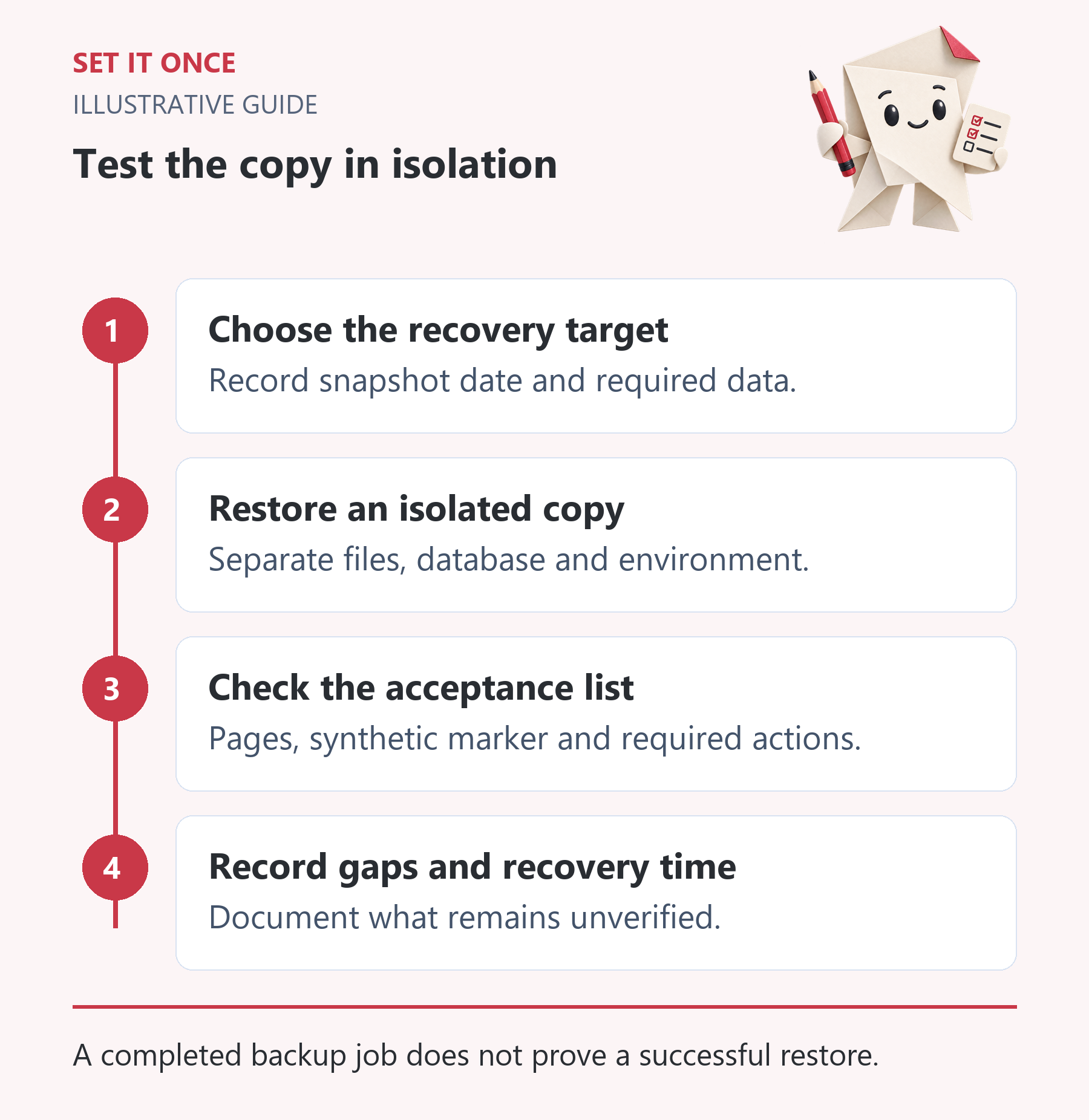
Original illustrative guide: Set It Once. A completed backup job does not prove a successful restore.
Read the text version
- Choose the recovery target. Record snapshot date and required data.
- Restore an isolated copy. Separate files, database and environment.
- Check the acceptance list. Pages, synthetic marker and required actions.
- Record gaps and recovery time. Document what remains unverified.
Record the acceptance evidence
| Check | Evidence |
|---|---|
| Snapshot | Backup identity and timestamp. |
| Pages | Representative URLs and correct visible content. |
| Media | Several loaded images and downloadable files. |
| Records | Expected retained test record present. |
| Actions | Forms checked without live side effects. |
| Recovery time | Start, usable state and unresolved work. |
Use a synthetic marker created before the backup to distinguish a restored snapshot from an empty installation. Do not include private customer data in screenshots used for general reporting.
Explain what the result does and does not prove
Hypothetical example: the homepage loads, but its images are missing because only the database was restored. That is a partial recovery. A login page alone is also not acceptance; inspect the customer route and the records needed to resume work.
Write down failed checks and their fixes. Repeat the exercise when the backup method or critical architecture changes. Agree an appropriate review frequency with the owner, rather than copying a generic interval without considering the site’s update rate.
A successful exercise proves that a particular copy worked in a particular environment. It does not promise zero downtime or prove that every later backup will be usable. The value is a tested procedure, a known operator and evidence of the gaps you still need to close.
Agree how much lost data and downtime the business can tolerate
Two planning questions matter before choosing backup frequency: how far back could the business accept losing new information, and how long could it operate without the site? These are commonly called recovery point and recovery time objectives. Define them in ordinary business terms rather than selecting an impressive backup interval without checking recovery.
For a hypothetical brochure site, recovering yesterday’s pages may be acceptable while newer enquiries need a separately retained source. For a frequently changing store, losing a day of order records has a different consequence. The objective must reflect actual activity and a workable method for handling records created after the snapshot.
Run an isolated restore as a timed exercise
Record the chosen backup, its timestamp and the components it contains. Prepare the approved isolated destination, prevent indexing and disable live outbound effects using the responsible operator’s documented method. Only then restore. Record when work starts, when the site first loads and when the agreed usable state is reached. These can be different times.
Inspect representative pages, uploads, settings and a known test record from before the backup. A restored database with missing uploads is partial recovery. A visually correct homepage with a broken enquiry route is also incomplete. Do not solve test-environment problems by enabling production email, payments or integrations for convenience.
Plan the gap between the snapshot and the incident
In an illustrative incident, the copy is from midnight and the fault occurs at noon. Identify what changed in those twelve hours: enquiries, edits, uploads or transactions. Decide how the authoritative newer records will be preserved and reconciled. Do not assume that importing every recent row is safe across all plugins and relationships.
Write the operator, prerequisite access, restore steps, validation results and unresolved gap into the runbook. If the exercise exceeds the business objective, investigate whether backup coverage, access, restore method or validation is the bottleneck. A successful exercise is evidence about that copy and procedure. Repeat affected checks when the host, backup tool or critical architecture changes.
Take one practical next step
If recovery checks reveal a missing workflow or tool, describe that gap through custom development. Scope, timing and price are agreed before work starts. An enquiry does not place an order or guarantee a result.
Sources and further reading
Quick answers
Frequently asked questions
Can I test a restore on the live site?
Use an isolated approved environment for practice. A production restore can overwrite newer work and trigger live side effects.
Are database backups enough?
A typical full WordPress recovery needs the corresponding files as well. Confirm the contents of your actual backup.
Should the report include customer records?
Use synthetic evidence and restricted internal checks. Avoid exposing private records in a general recovery report.

About the author
Martin Iliev
Martin builds Set It Once to help people spend less time on repeated work. His guides explain what you can try, how to check the result and where the limits are.
More about Martin