
Two tools can both have a field called status and still mean different things. Connected software does not automatically create a shared definition. Write a field contract before copying records, especially when a wrong value looks perfectly valid.
Separate the meaning from the label
For each source field, record the business meaning, accepted values, destination and transformation. A field called customer might refer to a person in one system and a company in another. An owner may be a user ID rather than a display name.
Keep identifiers as identifiers. A contact’s name is useful to people but may change or be shared by several records. Decide which stable source ID will remain attached to the destination record, and document whether edited records update the same destination or enter review.

Build a field contract
| Field | Contract to agree |
|---|---|
| Source ID | Preserve as text; never infer from the name. |
| Received time | Define timezone and required date format. |
| Amount | Record currency and decimal handling. |
| Owner | Map a supported ID; flag missing matches. |
| Status | List allowed mappings and unknown values. |
| Empty field | Distinguish missing, blank and intentionally cleared. |
Keep this document beside the workflow source. Assign someone to update it when either application changes. A screenshot of a configuration panel is helpful evidence, but it does not replace the meaning of each rule.
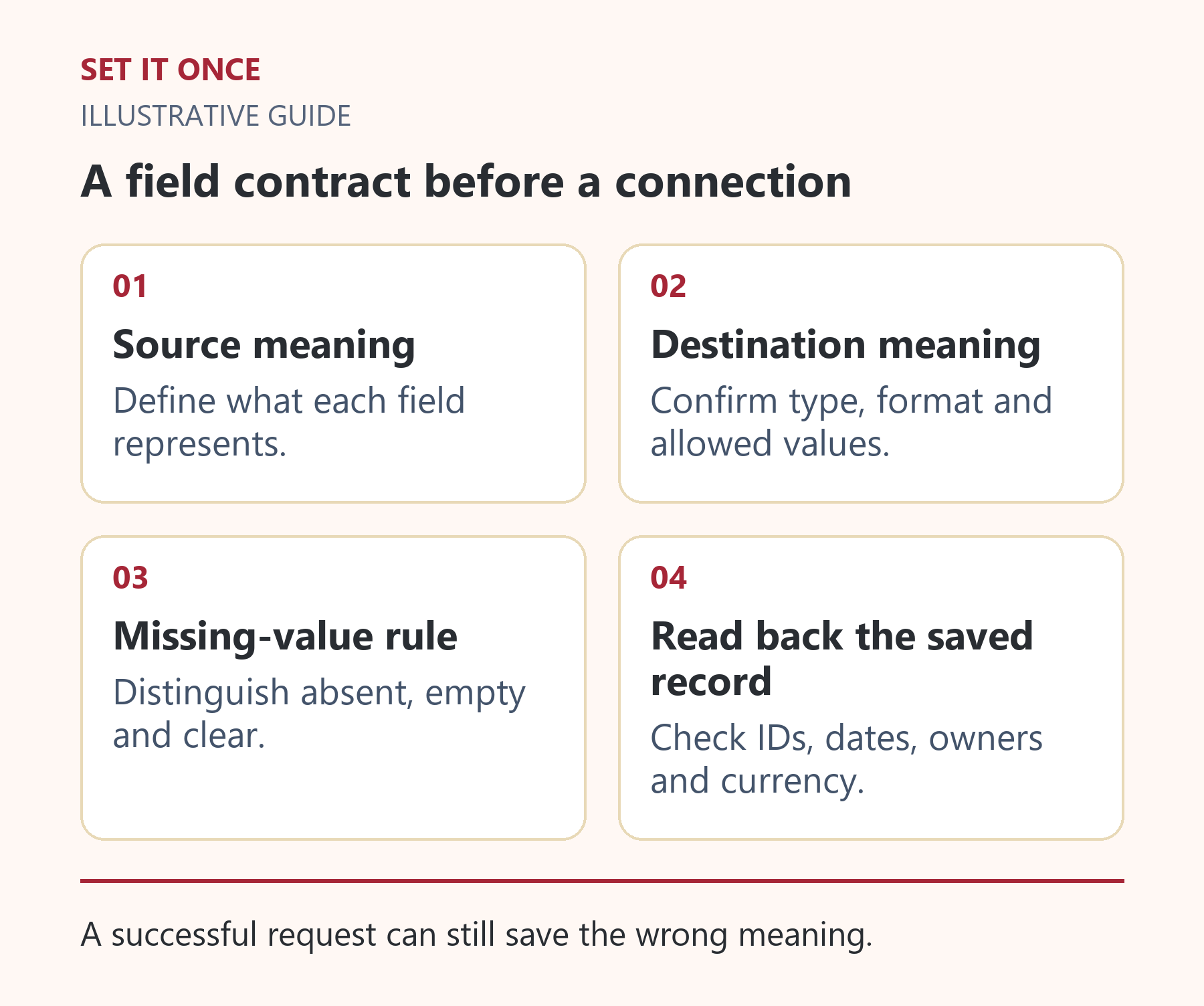
Original illustrative guide: Set It Once. A successful request can still save the wrong meaning.
Read the text version
- Source meaning. Define what each field represents.
- Destination meaning. Confirm type, format and allowed values.
- Missing-value rule. Distinguish absent, empty and clear.
- Read back the saved record. Check IDs, dates, owners and currency.
Use examples that expose ambiguity
Hypothetical example: a source sends an empty phone field after a customer removes a number. If the destination treats empty as do not update, the old number remains. If it treats empty as clear, a genuinely missing field could erase valid information. Choose the intended behaviour explicitly.
Test an ID with leading zeros, a name with non-Latin characters, a timezone offset, a decimal amount and an unknown status. Also include a record whose owner no longer exists. Your expected result should specify whether the workflow accepts, transforms, rejects or queues each case.
Verify after the destination saves
Read the stored result back from the destination. Applications may convert types, trim values or apply defaults. A correct outgoing payload is not enough to establish a correct saved record.
- Label each test with a source ID and expected outcome.
- Send it through the proposed mapping in a controlled environment.
- Compare source, outgoing values and stored destination.
- Check what a team member actually sees in the destination interface.
Keep unexpected values visible in a review queue. Do not silently map every unknown status to completed. If the available API cannot represent the distinction you need, change the process design before activating it.
Write one mapping row completely
For a hypothetical order transfer, the source amount is the text “1,250.00”, the currency is EUR and the source ID is “000731”. The field contract must say whether the destination amount is a decimal value or an integer number of minor units. It must also preserve the source identifier as text if leading zeros are meaningful. Converting every numeric-looking field to a number would destroy that identity.
A complete row names the source, meaning, input type, destination type, transformation, validation and error behaviour. An illustrative amount rule might accept a defined format, convert it deliberately and reject ambiguous separators for review. Do not guess whether “1,250” means one thousand two hundred fifty or one and a quarter without a defined source convention.
Distinguish no update from clearing a value
When a customer removes a phone number, the source may send an explicit clear instruction, an empty string or a null value. A missing property may instead mean that the field was not part of this update. Agree the semantics for the actual API. Treating all four as interchangeable can either retain obsolete data or erase valid information.
Use separate test records for absent, empty, null and intentional clearing. Read the destination back after each operation. Record any defaults or normalisation it applies. If it cannot express the distinction you need, route the case for review or redesign the update rule; an attractive mapping diagram cannot add a capability the destination lacks.
Version the contract when the applications change
Suppose the source adds a status “awaiting documents”. A fallback that maps every unknown status to “complete” creates a plausible but incorrect record. A safer proposed rule identifies the unknown value and queues it until an authorised owner decides the mapping.
Keep a short contract version and a regression set containing identifiers, non-Latin text, currency, dates, missing owners and each supported status. Run the affected set when a field changes. Assign business meaning to the process owner and technical conversion to the maintainer. This division helps prevent a developer’s convenient default from becoming an unintended business decision.
Take one practical next step
If you need to connect a source and a destination, bring this field contract to workflow automation. Scope, timing and price are agreed before work starts. An enquiry does not place an order or guarantee a result.
Sources and further reading
Quick answers
Frequently asked questions
Should names be used to match records?
Prefer supported stable IDs. Names can change or be duplicated; if a name match is unavoidable, send ambiguous matches for review.
What happens when a field is added?
Review the contract and rerun affected examples. Decide whether the new field is optional, required or unsupported.
Can a spreadsheet hold the contract?
Yes. It needs clear definitions, a responsible owner, examples and a record of changes rather than a particular document format.

About the author
Martin Iliev
Martin builds Set It Once to help people spend less time on repeated work. His guides explain what you can try, how to check the result and where the limits are.
More about Martin