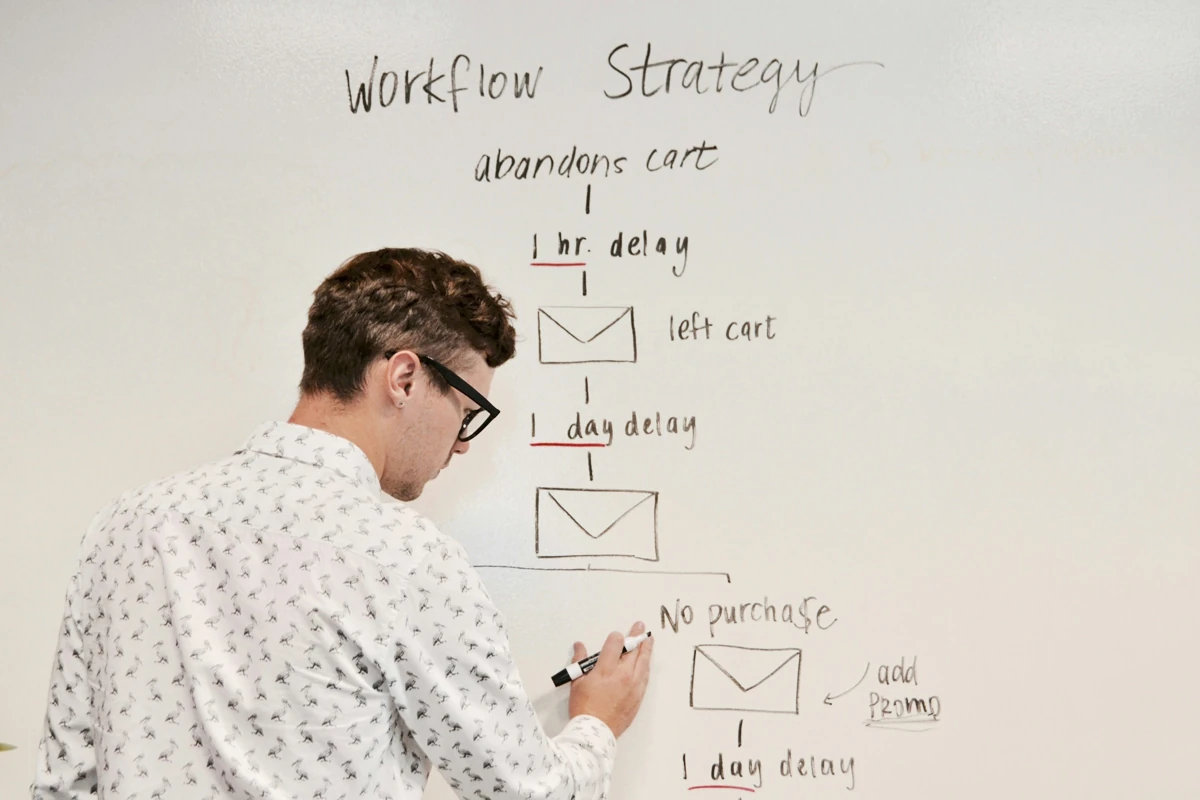
The workflow works on the day it is delivered. Three months later, a field changes, access expires or the person who built it is unavailable. A useful handover makes those situations understandable to the next person.
List the dependencies without exposing secrets
Record source and destination systems, accounts responsible for access, required fields and relevant plan limits. Include where configuration is managed, not the passwords or keys themselves. Separate an operational runbook from private credential storage.
Name a business owner and a technical maintainer. One person may fill both roles in a small team, but the responsibilities still differ: one decides the business rule, the other diagnoses implementation.

A one-page runbook
Purpose: __. Trigger and schedule: __. Inputs and required fields: __. Expected output: __. Source/destination IDs: __. Owner and backup: __. Failure signal: __. Where to inspect: __. Stop method: __. Recovery steps: __. Actions requiring approval: __. Last verified date: __.
Add links to the accepted checks and a short version history. Record current deployed configuration separately from a local candidate. A newer file on someone’s computer does not prove that production uses it.
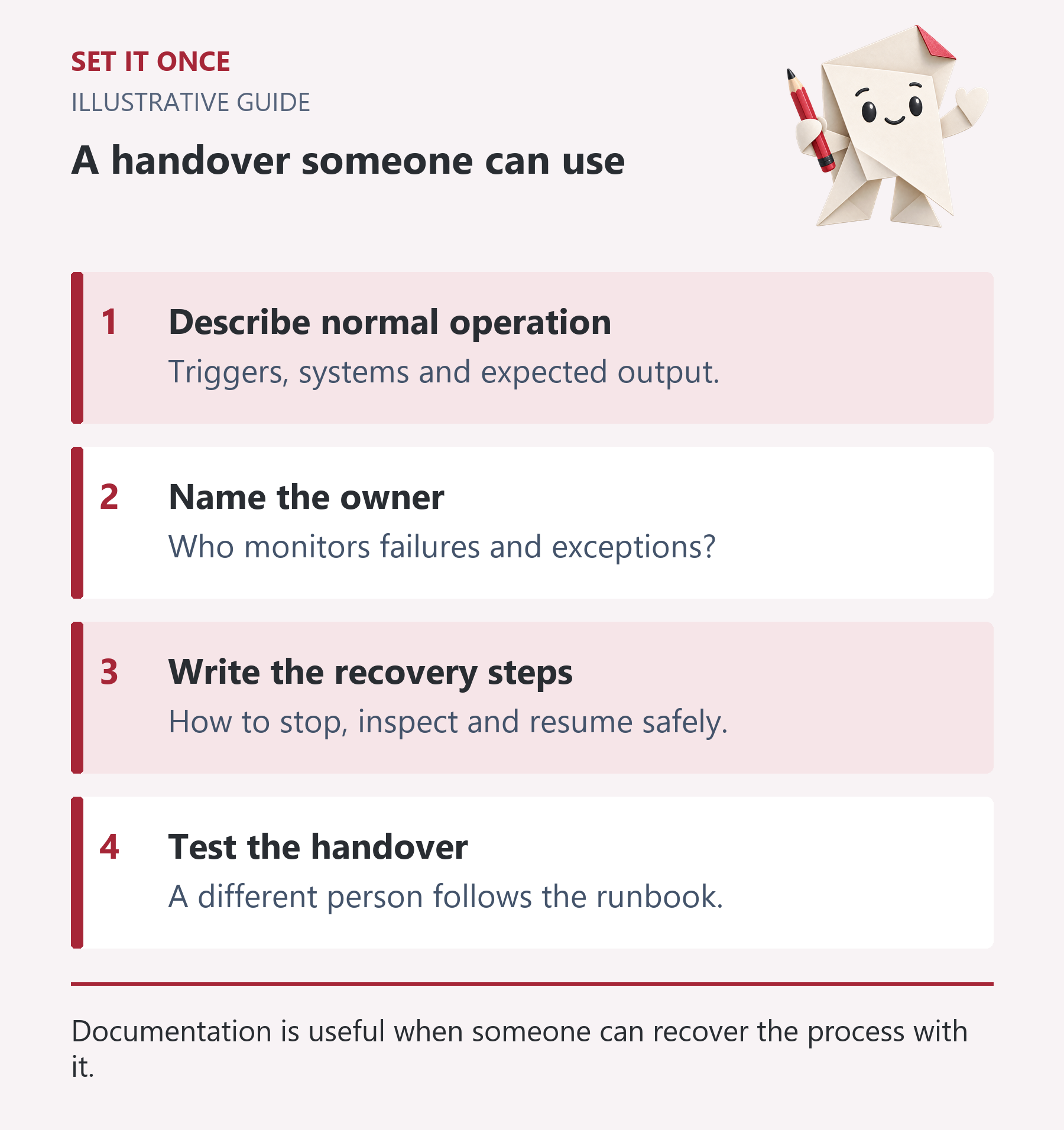
Original illustrative guide: Set It Once. Documentation is useful when someone can recover the process with it.
Read the text version
- Describe normal operation. Triggers, systems and expected output.
- Name the owner. Who monitors failures and exceptions?
- Write the recovery steps. How to stop, inspect and resume safely.
- Test the handover. A different person follows the runbook.
Write recovery as a decision, not a reset button
First determine whether the action failed or its result is unknown. Inspect the destination before replaying a write. Identify the last confirmed source record and any review backlog. Preserve evidence while fixing the cause.
After recovery, reconcile source, destination and unresolved records. For customer-facing communications, check whether a message was already sent. Do not erase the history to make the dashboard look clean.
n8n offers error workflows and execution inspection. If used, the runbook should identify the relevant workflow and owner, while keeping sensitive payloads out of public instructions.
Review changes that can break the workflow
- A form gains a required field or changes its field name.
- An account loses a capability or a subscription changes.
- A destination project, owner or status is renamed.
- A timezone or working-hours rule changes.
- A template or plugin update changes the visible output.
For each material change, rerun the relevant acceptance cases. A monthly review can reconcile counts, inspect recent failures and check ownership. Choose frequency according to consequence and change rate.
Finish the handover by asking the maintainer to locate a record, explain a failure and demonstrate a safe stop in the controlled environment. That practical exercise reveals missing instructions sooner than a signed checklist alone.
Separate ownership from a vague promise of support
A hypothetical agency delivers an enquiry workflow and the original builder leaves six months later. The client needs to know who notices failures, who can change business rules and who can repair the implementation. “Support included” does not answer those questions unless the agreement defines scope, hours, response expectations and exclusions.
Name a business owner, technical maintainer and backup contact. Record which systems the business owns, where configuration is kept and how access is transferred or revoked. A supplier’s personal account should not quietly become the only way to manage a business-critical workflow. Confirm the actual platform’s ownership and transfer options before handover.
Use a failure drill to expose missing instructions
Give the incoming maintainer a synthetic failed record and the runbook. Ask them to find the execution, identify whether a destination record exists, explain the consequence and select a safe next step. Do not let the original builder narrate every action. The exercise tests the documentation’s usefulness rather than the builder’s memory.
Record where the maintainer hesitated: an unexplained workflow name, missing project ID, ambiguous retry instruction or inaccessible configuration. Fix those gaps. Then ask them to demonstrate the stop method and describe what happens to new input while the automation is paused. A stop that silently loses enquiries is incomplete.
Budget for ordinary change, not just emergencies
List likely maintenance triggers: expired access, renamed fields, changed owner, revised business hours, plan limits and template updates. For each, name the affected acceptance case and the person authorised to decide the new rule. Keep commercial change requests separate from fault repair so neither side assumes unlimited work.
At an agreed review interval, inspect exceptions, reconcile counts and confirm that the named owners still hold the roles. The frequency should follow business consequence and change rate. A quiet low-volume internal workflow may need a different arrangement from customer-facing communication.
Handover is complete when another authorised person can operate, investigate and stop the workflow using the supplied material. That does not mean every future change is covered. State the remaining dependencies and support boundaries explicitly, including what happens when a third-party system changes.
Take one practical next step
If this is a problem in your team, explore workflow automation. Describe one task, the software you use and the result you need. Scope and terms are agreed before work begins.
Sources and further reading
Quick answers
Frequently asked questions
Should the runbook contain passwords?
No. Document the owner and approved access process, while keeping credentials in the organisation's private storage.
How often should it be reviewed?
Set a frequency based on impact and changes. Review after material field, permission or system changes even if the routine review is not due.
Can the business owner and maintainer be the same person?
Yes. Write both responsibilities and identify a backup so the process does not depend on one person's availability.

About the author
Martin Iliev
Martin builds Set It Once to help people spend less time on repeated work. His guides explain what you can try, how to check the result and where the limits are.
More about Martin