
A visitor submits your contact form. The website says thank you. Your team sees nothing until someone remembers to check the inbox. The form worked, but the handoff failed. Start by making every enquiry traceable from submission to an assigned person.
Define the record before connecting the tools
Choose one authoritative place to store the original enquiry. An email notification is useful, but delivery to an inbox should not be your only evidence. Decide how the team will find the record if a notification fails. Keep submitted details separate from later notes so you can tell what the customer actually wrote.
The workflow below is a proposed design. Its feasibility depends on your form software, destination system and permissions; it is not a claim that a particular integration already exists.

A field map you can take to an implementer
| Field | Rule |
|---|---|
| Enquiry ID | Stable ID from the source, preserved on every retry |
| Received time | Store timezone; display in the team’s working timezone |
| Contact details | Copy supplied fields; flag missing required information |
| Request | Link to the original; keep any summary clearly labelled |
| Owner | Named person or monitored review queue |
| Response due | Agreed working-hours rule, including weekends |
| Status | Received, assigned, contacted, closed or needs review |
For a Friday-evening enquiry, a business-hours deadline may fall on Monday. Agree that rule before adding a fixed number of hours to every submission. The deadline is an internal commitment, not a customer promise unless your website says so.
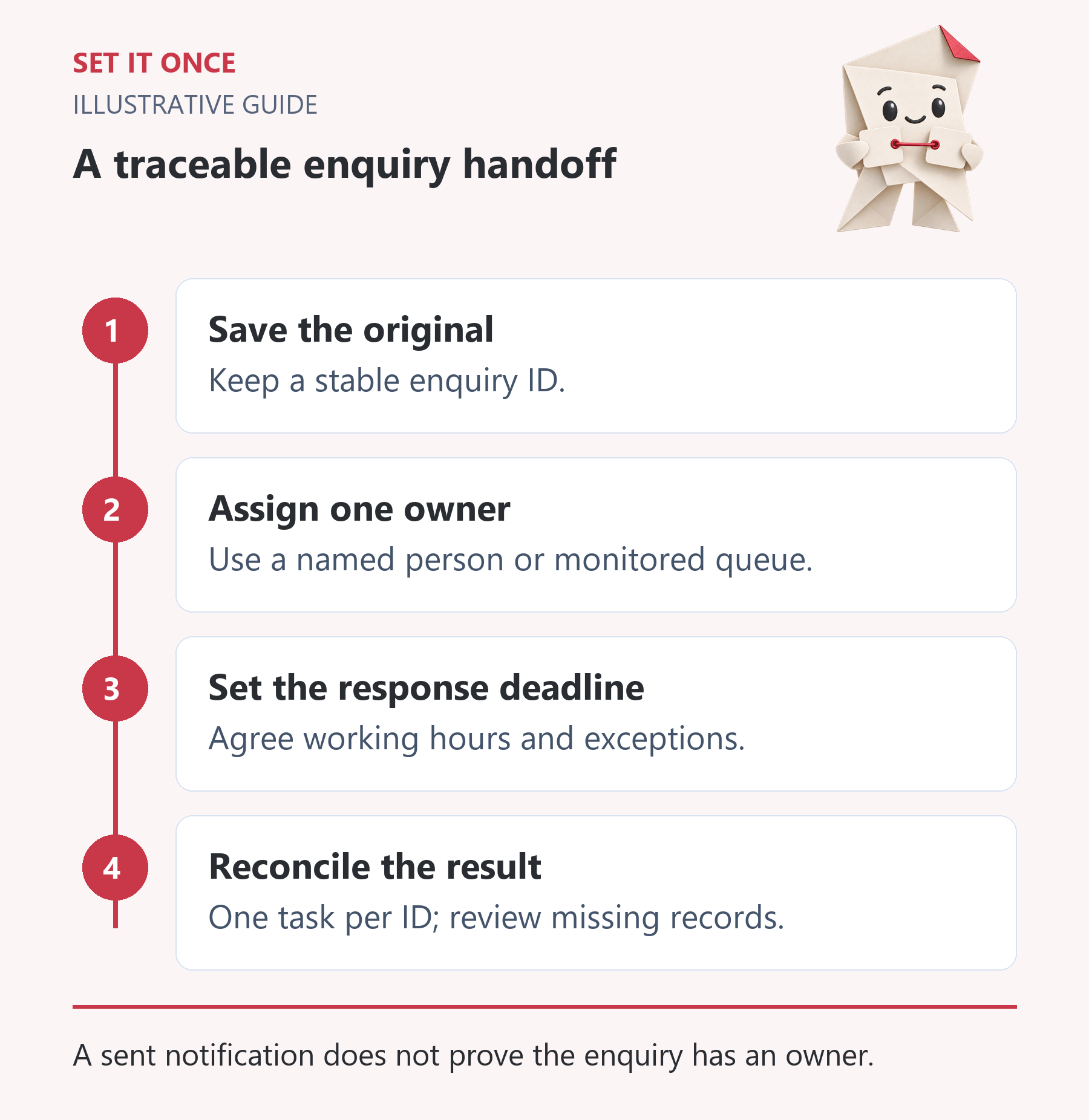
Original illustrative guide: Set It Once. A sent notification does not prove the enquiry has an owner.
Read the text version
- Save the original. Keep a stable enquiry ID.
- Assign one owner. Use a named person or monitored queue.
- Set the response deadline. Agree working hours and exceptions.
- Reconcile the result. One task per ID; review missing records.
Make duplicate handling explicit
Use the enquiry ID to look up an existing destination task before creating another. A repeated event should point to the same task. An edited enquiry needs a separate rule: update the existing task, add a note, or send it for review. Do not guess which approach the team expects.
A timeout after task creation is particularly important. The destination may have saved the task even though the source received no confirmation. Check for that task before replaying the action.
Run five checks before relying on it
- Submit one complete enquiry and find one assigned task.
- Submit a missing required field and find it in the review queue.
- Deliver the same event twice and confirm there is still one task.
- Make the destination unavailable in a controlled test and confirm the original remains retrievable.
- Restore access and recover the failed record without creating a duplicate.
Use synthetic contact details. Record source ID, destination ID, expected outcome and actual outcome for each check. A green execution icon does not prove that the right person received the right information.
Measure the handoff for one week
Count valid submissions, created tasks, duplicate tasks, records awaiting review and enquiries with no owner. Reconcile the source count with the destination and review queue daily. Then inspect the time to first human response. Faster task creation alone does not mean faster service.
Name the person who watches failures and how they stop the workflow. n8n, for example, provides error workflows and execution inspection; those features still need an owner and a recovery procedure.
A worked handoff: find the missing enquiry without guessing
Consider a hypothetical local service business with a WordPress form and a shared task board. At 14:05 the form stores enquiry Q-104. At 14:06 the automation reports an error. The office manager should be able to answer three questions independently: did the source retain Q-104, does a destination task already carry Q-104, and who must respond? A notification email answers none of those reliably on its own.
If the task exists, repair its assignment or notification rather than creating it again. If it is absent and the original is intact, the maintainer can recover that one record under the agreed retry rule. If the destination cannot be checked, mark the outcome unknown and retain the case for investigation. The customer should not receive a second acknowledgement just because an internal task needs repair.
Use a reconciliation sheet that reveals where work stopped
A small team can start with a private sheet rather than buying another dashboard. Give each row a source enquiry ID, received time, destination task ID, current owner, response due, first human response time and exception reason. Keep contact information in the authorised source and link to it; the operational sheet usually does not need another full copy.
For an illustrative day with 24 accepted enquiries, suppose 21 have destination tasks and three are in review. That accounts for the intake, but it does not establish good service. If four of the 21 tasks have no owner, those four still need attention. Reconcile unique source IDs, then inspect assignment and response separately. Exclude documented spam consistently rather than removing inconvenient records after calculating performance.
Choose the smallest intervention that fixes the failure
If the source never stores submissions, start with reliable intake storage. If records exist but disappear between systems, add traceable delivery and reconciliation. If tasks arrive promptly but nobody answers, change ownership, cover and escalation; another connector will not solve that management gap.
For a one-week pilot, assign the office manager to reconcile each working day and the maintainer to investigate exceptions. Agree a maximum acceptable unresolved age appropriate to the business, then review every breach. Expand the workflow only when the team can explain each missing, duplicate or unassigned record. This is an operational acceptance method, not a promise that automation increases sales.
Take one practical next step
If this is a problem in your team, explore workflow automation. Describe one task, the software you use and the result you need. Scope and terms are agreed before work begins.
Sources and further reading
Quick answers
Frequently asked questions
Should AI write the first customer reply?
Start with a human reply. AI can prepare a draft later, after the team agrees what may be promised and what requires approval.
What if our form only sends email?
Check whether it can retain submissions or provide an export. Define how to recover an enquiry before depending on a downstream connection.
Can this work without a CRM?
A supported task system may be enough. You still need stable record IDs, an owner, a deadline and a way to reconcile submissions.

About the author
Martin Iliev
Martin builds Set It Once to help people spend less time on repeated work. His guides explain what you can try, how to check the result and where the limits are.
More about Martin