
You reach the end of the day and realise how much of it went on copying information from emails, checking who replied and reminding people about the same tasks. Automation sounds sensible. Choosing where to start is less obvious.
A good first task happens often, follows clear rules and produces a result you can check. AI can help when you need to interpret or prepare text. Moving known fields between systems may only need a straightforward connection.
Find out where the time actually goes
For five working days, record the tasks you repeat. Note how often each happens, how many minutes it takes and how often you correct a mistake. Include checking time. "It takes two minutes" may describe entering the information while overlooking the time spent finding it.
Before buying another tool, choose three specific tasks and compare the benefit of improving each. "Automate our admin" is too broad. "Create one assigned follow-up task for every new website enquiry" gives you a useful starting point.

Ask five questions before automating
- Does it happen often enough? An occasional task may not justify the setup. Small pieces of work repeated throughout the week can consume more time overall.
- Can you describe the rule? "Create a task when the form is submitted" is clear. "Decide whether this customer is important" needs explicit criteria and human judgement.
- Are the inputs consistent? Define required fields, date formats and the authoritative source. Automation cannot decide which of two conflicting prices is current without a rule.
- What happens if it goes wrong? A duplicate internal task is easy to fix. An incorrect quote sent to a customer carries a different cost. Start customer-facing actions with a draft and approval.
- Who checks and maintains it? Name an owner and a way to stop the process. A changed form or application can break a connection that previously worked.
If the last three answers are unclear, organise the process first. That work has value even before anything is automated.
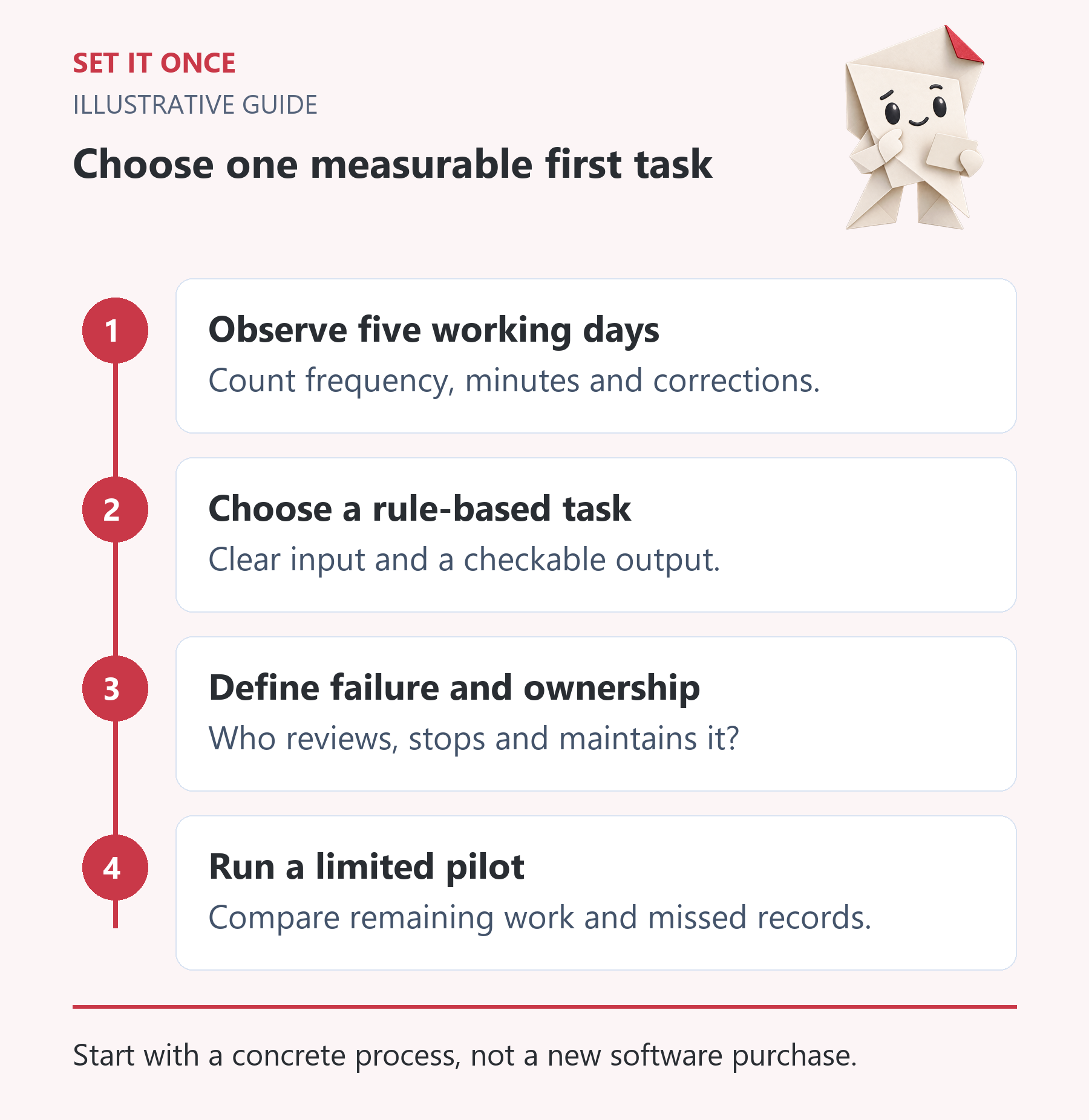
Original illustrative guide: Set It Once. Start with a concrete process, not a new software purchase.
Read the text version
- Observe five working days. Count frequency, minutes and corrections.
- Choose a rule-based task. Clear input and a checkable output.
- Define failure and ownership. Who reviews, stops and maintains it?
- Run a limited pilot. Compare remaining work and missed records.
A worked example: website enquiry to follow-up task
This is an illustrative workflow, not a customer case study or a promise of an existing integration.
Imagine a small team receiving enquiries through its website. Someone opens each message, copies the details into a task system and adds a response deadline. A sensible first automation could work like this:
- Receive the enquiry and check the required fields.
- Use a unique enquiry ID to prevent a second task when an event is retried.
- Create a task with an owner and a link to the original enquiry.
- Flag missing information for review instead of inventing it.
- Leave the customer reply to a person.
This version may need no AI at all. If enquiries contain long, unstructured text, AI could prepare a brief summary. Keep a link to the original and leave unknown details unresolved.
Before launch, check a normal enquiry, a missing field, a repeated event, an unavailable destination and a retry after interruption. Success means one correct task for each valid enquiry, with no silently lost records.
Calculate the benefit after checking and maintenance
Use this simple calculation:
Net monthly time saved = number of runs × minutes saved per run − time spent checking, fixing and maintaining the workflow.
Here is an example using assumed numbers. Sixty enquiries a month at six minutes of manual work each take 360 minutes. If checking the automated result takes two minutes per enquiry and maintenance adds 30 minutes a month, the net saving is 210 minutes, or 3.5 hours. This is an estimate for the example, not a measured Set It Once result.
To estimate its financial value, multiply 3.5 hours by the value of your working hour and subtract monthly tool costs. Include the one-off setup when comparing total costs over several months. Freed time does not automatically turn into additional revenue.
Where AI helps and where it adds an unnecessary step
Known fields, deadlines and notifications usually suit conventional rules. Summarising text, organising an unstructured enquiry or preparing a draft may benefit from AI. Prices, contract terms and important customer commitments need a person to check the result before it is sent.
If your main problem is preparing context from tasks, explore Asana to AI. For supported content work on WordPress, see Connect Website to AI. Choose a product after defining the task and the access it needs.
Copy this brief before choosing software
When this happens: [specific event].
Information comes from: [system and required fields].
The result should be: [record, task or draft].
Done means: [a checkable acceptance criterion].
If information is missing or something fails: [action and owner].
A person approves: [which actions].
We stop the process by: [a clear method].
We will compare: [time and errors before and after].
Complete the brief for one task. If the trigger or success criterion is difficult to define, resolve that before picking software.
Start with one process you can measure
Run a limited pilot first. Compare actual time spent, corrections and missed records. Expand when the result is reliable and maintenance is manageable.
At Set It Once, the starting point is the task and the tools you already use. Explore the AI and automation services or describe what slows you down. The steps, frequency and desired outcome are enough to begin. Please leave out passwords and sensitive customer information.
Quick answers
Frequently asked questions
Which task should a small business automate first?
Choose a task that happens often, follows clear rules and produces a result you can check. Creating one assigned task for each valid enquiry is one example. Define the inputs and failure handling before choosing a tool.
Do I need AI for every automation?
No. Moving known fields, setting deadlines and sending notifications often works with conventional rules. AI can help with unstructured text, summaries or drafts, while important customer decisions still need human checking.
How do I calculate whether automation is worthwhile?
Multiply the number of runs by minutes saved per run, then subtract checking, fixes and maintenance. For a financial estimate, include the value of working time, monthly tools and the one-off setup. The figures in this guide are illustrative, not guaranteed results.
What should I test before launching a workflow?
Test a normal run, missing information, a repeated event, an unavailable destination and a retry after interruption. Assign an owner, make failures visible and provide a clear way to stop the process.

About the author
Martin Iliev
Martin builds Set It Once to help people spend less time on repeated work. His guides explain what you can try, how to check the result and where the limits are.
More about Martin